AI Tools
15 Automation AI Tools: Hub of all workflow solutions

In today’s fast-moving world, automation tools powered by artificial intelligence are becoming essential for businesses and individuals. These tools help you save time, reduce mistakes, and focus on more important tasks. Whether you’re a small business owner, freelancer, or part of a large company, the right automation tool can make your work much easier.
This article explores 15 powerful automation AI tools that can transform how you handle daily tasks. Each tool offers unique features, and we’ll look at both the good and challenging aspects of using them.
1. n8n
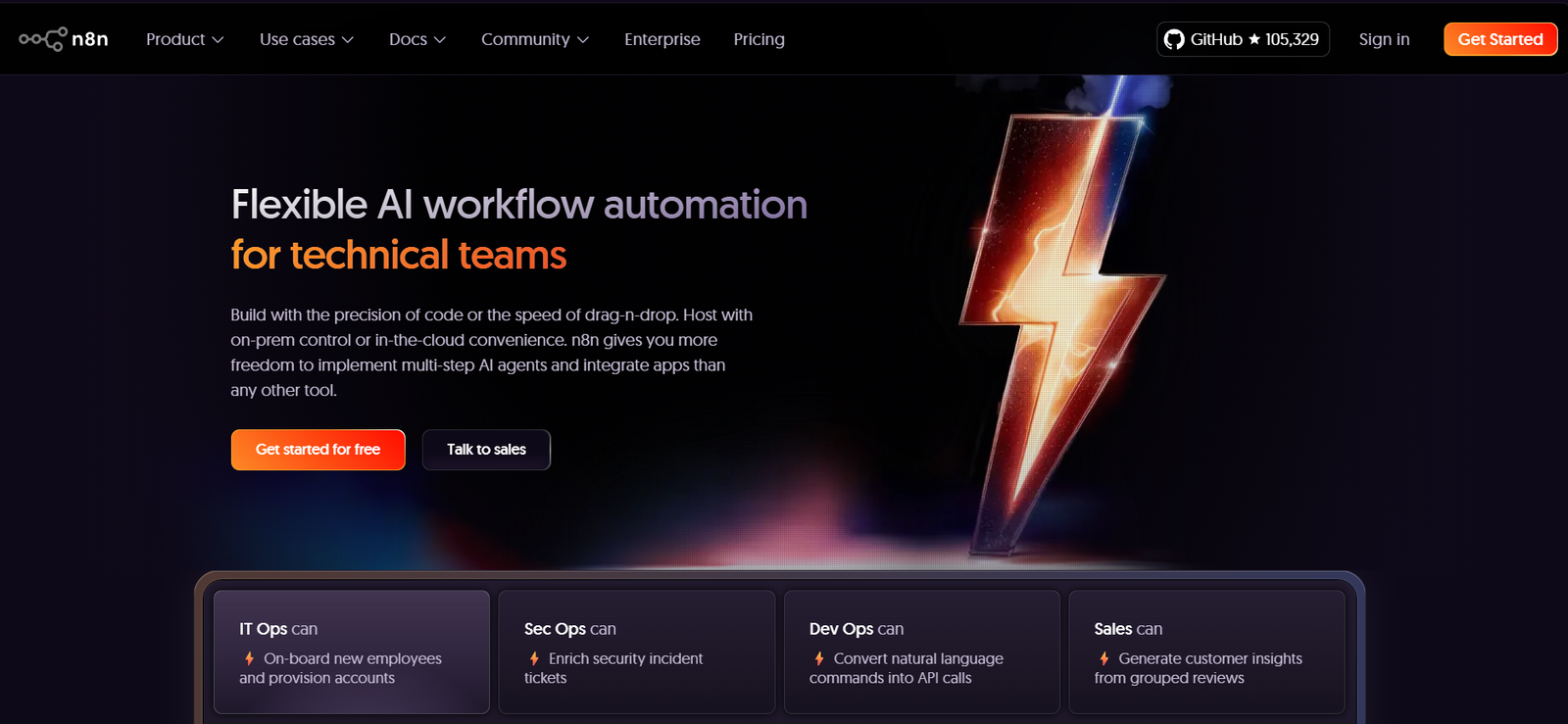
n8n is a workflow automation tool that helps you connect different apps and services without needing to write complex code. Think of it as a digital assistant that can move information between your favorite tools automatically.
What it does: n8n lets you create automated workflows by connecting various apps like Google Sheets, Slack, email services, and hundreds of other tools. When something happens in one app, n8n can automatically trigger actions in other apps.

n8n
Pros:
- Free to use with open-source options
- Works with over 200 different apps and services
- Easy drag-and-drop interface for creating workflows
- Can be customized heavily for specific needs
- Strong community support and regular updates
Cons:
- Can be overwhelming for complete beginners
- Requires some technical knowledge for advanced features
- Self-hosting might be challenging for non-technical users
- Limited customer support for free version
2. Browse AI
Browse AI is a smart web scraping tool that can extract information from websites automatically. It’s like having a virtual assistant that can visit websites and collect data for you.
What it does: This tool can monitor websites for changes, extract data from web pages, and turn any website into a structured data source. It’s perfect for tracking prices, monitoring competitors, or gathering research information.
Pros:
- No coding skills needed to set up data extraction
- Can handle dynamic websites that change frequently
- Automatically adapts to website layout changes
- Offers pre-built templates for common tasks
- Works on both desktop and mobile
Cons:
- Can be expensive for large-scale data extraction
- Some websites may block automated access
- Learning curve for complex extraction tasks
- Limited customization options for advanced users
3. Thoughtly
Thoughtly is an AI-powered customer service automation tool that creates intelligent chatbots and virtual assistants for businesses.
What it does: Thoughtly builds conversational AI systems that can handle customer inquiries, book appointments, answer questions, and provide support 24/7. It uses natural language processing to understand and respond to customers naturally.
Pros:
- Creates human-like conversations with customers
- Available 24/7 without breaks
- Can handle multiple customers simultaneously
- Reduces need for human customer service staff
- Learns and improves from interactions
Cons:
- May struggle with very complex or unique questions
- Setup and training can be time-consuming
- Customers might prefer human interaction
- Requires ongoing maintenance and updates
4. aiApply
aiApply is an artificial intelligence tool designed to help job seekers automate their application process and improve their chances of getting hired.
What it does: This tool helps create personalized resumes, cover letters, and job applications. It can also automatically apply to relevant job postings and track application progress.
Pros:
- Saves significant time in job searching
- Creates customized applications for each job
- Tracks application status automatically
- Improves resume quality with AI suggestions
- Can apply to multiple jobs quickly
Cons:
- May lack personal touch in applications
- Some employers prefer manually written applications
- Subscription costs can add up over time
- Risk of applying to unsuitable positions
5. Hexomatic
Hexomatic is a work automation platform that helps businesses automate repetitive tasks without needing programming skills.
What it does: Hexomatic offers over 100 ready-made automation tools for tasks like data extraction, content creation, lead generation, and market research. Users can combine these tools to create powerful automated workflows.
Pros:
- Large library of pre-built automation tools
- No coding required for most tasks
- Can process large amounts of data quickly
- Integrates with popular business tools
- Affordable pricing for small businesses
Cons:
- Can be complex to set up advanced workflows
- Limited customization for specific needs
- Learning curve for new users
- Some features require higher-tier plans
6. Snoooz
Snoooz is an email automation tool that helps manage email scheduling and follow-ups intelligently.
What it does: Snoooz allows users to schedule emails, set automatic follow-ups, and manage email campaigns with AI-powered timing optimization. It helps ensure important emails don’t get forgotten.
Pros:
- Improves email response rates
- Prevents important emails from being forgotten
- Easy to integrate with existing email systems
- Smart timing suggestions for better engagement
- Simple interface that’s easy to learn
Cons:
- Limited to email automation only
- May not work with all email providers
- Can feel impersonal for important communications
- Subscription required for advanced features
7. Harpa AI
Harpa AI is a browser extension that brings AI automation directly to your web browsing experience.
What it does: This tool can summarize web pages, extract data, monitor websites for changes, and automate various web-based tasks. It works as you browse, making web research and data collection much faster.
Pros:
- Works directly in your browser
- Can summarize long articles quickly
- Monitors websites for changes automatically
- Helps with research and data collection
- Free version available with basic features
Cons:
- Limited to browser-based tasks
- May slow down browsing on older computers
- Privacy concerns with data processing
- Advanced features require paid subscription
8. Qodex
Qodex is an AI-powered code automation and development tool that helps programmers work more efficiently.
What it does: Qodex assists with code generation, bug detection, testing, and documentation. It can understand what you’re trying to build and suggest code improvements or complete functions automatically.
Pros:
- Speeds up software development significantly
- Helps catch bugs before they become problems
- Generates documentation automatically
- Supports multiple programming languages
- Reduces repetitive coding tasks
Cons:
- Requires programming knowledge to use effectively
- May generate code that needs human review
- Can be expensive for individual developers
- Dependency on AI suggestions might reduce learning
9. BatchTable
BatchTable is a data processing automation tool that helps handle large amounts of information efficiently.
What it does: This tool can clean, organize, and process data from various sources automatically. It’s particularly useful for businesses that deal with customer data, inventory information, or research data.
Pros:
- Handles large datasets quickly
- Reduces manual data entry errors
- Can clean and organize messy data
- Integrates with common business tools
- Saves hours of manual work
Cons:
- Learning curve for complex data operations
- May require some technical knowledge
- Limited visualization options
- Can be costly for small-scale use
10. Make
Make (formerly Integromat) is a visual automation platform that connects apps and services to automate workflows.
What it does: Make allows users to create automated scenarios that connect different applications. When something happens in one app, Make can automatically trigger actions in other connected apps.
Pros:
- Visual workflow builder is easy to understand
- Connects with thousands of popular apps
- Powerful automation capabilities
- Good documentation and tutorials
- Free tier available for basic use
Cons:
- Can become expensive as usage grows
- Complex scenarios require technical knowledge
- Learning curve for advanced features
- Troubleshooting can be challenging
11. CodeDesign
CodeDesign is an AI-powered web design and development automation tool.
What it does: This tool helps create websites and web applications using artificial intelligence. It can generate layouts, write code, and optimize designs based on user requirements.
Pros:
- Creates professional websites quickly
- No coding knowledge required for basic sites
- Responsive designs that work on all devices
- AI suggests improvements and optimizations
- Faster than traditional web development
Cons:
- Limited customization for unique designs
- May produce generic-looking websites
- Advanced features require technical knowledge
- Ongoing subscription costs
12. Hexofy
Hexofy is a web scraping automation tool that extracts data from websites with just one click.
What it does: Hexofy allows users to capture data from any website by simply pointing and clicking. It can extract text, images, links, and other information without needing to write code.
Pros:
- Extremely easy to use
- Works with most websites
- Can capture data in various formats
- No programming skills needed
- Quick setup and execution
Cons:
- Limited to simple data extraction
- May not work with complex websites
- Can be blocked by some websites
- Limited data processing capabilities
13. Hexometer
Hexometer is a website monitoring automation tool that keeps track of website performance and issues.
What it does: This tool continuously monitors websites for problems like broken links, slow loading times, security issues, and content changes. It alerts users when problems are detected.
Pros:
- Prevents website downtime
- Monitors multiple aspects of website health
- Sends instant alerts when issues occur
- Easy to set up and configure
- Helps maintain professional online presence
Cons:
- Limited to website monitoring only
- Can generate false alarms sometimes
- Subscription required for comprehensive monitoring
- May not catch all types of website issues
14. Hexowatch
Hexowatch is a website change detection tool that monitors web pages for updates and modifications.
What it does: Hexowatch tracks changes on websites and sends notifications when content is updated. It’s useful for monitoring competitors, tracking price changes, or staying updated on important websites.
Pros:
- Detects even small changes on websites
- Can monitor multiple pages simultaneously
- Customizable notification settings
- Helps stay updated on important information
- Visual change detection makes it easy to spot updates
Cons:
- May detect irrelevant changes
- Can generate too many notifications
- Limited action options when changes are detected
- Subscription required for extensive monitoring
15. Procys
Procys is an AI-powered document processing automation tool that handles invoices, receipts, and other business documents.
What it does: Procys automatically extracts information from business documents, processes invoices, manages receipts, and integrates with accounting systems. It eliminates manual data entry for financial documents.
Pros:
- Greatly reduces manual document processing
- High accuracy in data extraction
- Integrates with popular accounting software
- Saves time and reduces errors
- Can handle various document formats
Cons:
- May struggle with poor quality documents
- Setup can be complex for some businesses
- Requires training for specific document types
- Can be expensive for high-volume processing
Conclusion
These 15 automation AI tools represent the future of work efficiency. Each tool serves different purposes, from web scraping and workflow automation to document processing and website monitoring. The key to success is choosing the right combination of tools that match your specific needs and budget.
When selecting automation tools, consider your technical skills, budget, and the specific tasks you want to automate. Start with free trials when available, and gradually expand your automation toolkit as you become more comfortable with these technologies.
Remember that while automation can save significant time and reduce errors, it’s important to maintain human oversight and regularly review automated processes to ensure they continue meeting your needs. The goal is to free up your time for more creative and strategic work, not to replace human judgment entirely.