AI News
How Technology is Changing Education: A Simple Guide


Do you remember your first day of school? Maybe you sat at wooden desks, wrote with pencils on paper, and watched your teacher write on a blackboard with chalk. Today’s classrooms look very different. Students now use tablets instead of textbooks. They take virtual field trips to ancient Egypt. They even get help with homework from computer programs that act like tutors.
This change didn’t happen overnight. Technology has slowly made its way into schools, changing how kids learn and how teachers teach. Let’s explore this exciting transformation together.
How School Technology Grew Over Time
From Chalk to Computers
Think about your elementary school classroom. The teacher probably had a big blackboard at the front. When they wanted to show a picture, they might have used an overhead projector with clear plastic sheets.
Now walk into a modern classroom. You’ll see a large flat screen on the wall called a smart board. Teachers can touch it to open websites, play videos, and even let students come up and solve math problems right on the screen. It’s like having a giant tablet for the whole class.
This change started small. First, schools got one or two computers for the whole building. Students had to take turns using them. Then each classroom got a computer. Next came computer labs where whole classes could work together. Today, many students have their own laptop or tablet for school.
Important Steps Along the Way
In 2019, experts created a special group called the EdTech Hub. Their job is to study how technology helps students learn better. They look at what works and what doesn’t, so schools can make smart choices about which tools to buy.
The biggest change came when schools replaced heavy textbooks with digital books. Imagine carrying five thick textbooks in your backpack every day. Now students can have hundreds of books on one lightweight tablet. These digital books can even read themselves out loud or show videos to explain difficult topics.
Amazing Tools Transforming Classrooms
Virtual Reality: Taking Field Trips Without Leaving School
Virtual Reality, or VR, lets students visit places without actually going there. Here’s how it works: Students put on special goggles that look like big sunglasses. Suddenly, they’re standing inside the pyramids of Egypt or walking with dinosaurs.
Sarah, a fifth-grade teacher in Texas, uses VR in her history class. “Last week, my students explored ancient Rome,” she says. “They walked through the Colosseum and saw gladiator fights. The kids were so excited they didn’t want to take the goggles off.”
VR helps students understand difficult concepts too. In science class, students can shrink down to molecule size and see how atoms work. In geography, they can stand on top of Mount Everest or dive to the bottom of the ocean.
Augmented Reality: Adding Digital Magic to Real Life
Augmented Reality, or AR, adds computer images to the real world. Point your phone at a history textbook, and suddenly a 3D model of the Wright brothers’ airplane appears on your desk. You can walk around it and see how it works.
One elementary school in California uses AR for reading. When students point their tablets at certain books, characters come to life and start moving around the pages. The three little pigs actually build their houses right in front of the students’ eyes.
Artificial Intelligence: Computer Helpers That Never Get Tired
Artificial Intelligence, or AI, means computers that can think and learn like humans. In schools, AI helps in many ways.
First, AI can grade tests instantly. Instead of teachers spending hours checking multiple-choice quizzes, the computer does it in seconds. This gives teachers more time to help students one-on-one.
AI can also act like a personal tutor. If a student struggles with fractions, the AI notices and gives them extra practice problems. If another student finds fractions easy, the AI gives them harder challenges.
Some schools use AI chatbots that students can ask questions anytime. Imagine having a teacher available 24 hours a day to help with homework. That’s what AI tutors can do.
Online Learning: School From Anywhere
Online learning platforms let students take classes from anywhere with internet. During the COVID-19 pandemic, millions of students attended school from their kitchen tables and bedrooms.
These platforms work like digital classrooms. Students log in to see their assignments, watch video lessons, and talk with classmates through messages or video calls. They can submit homework with the click of a button.
Maria, a high school student in New York, takes a coding class online because her local school doesn’t offer it. “I’m learning from a teacher in California,” she explains. “It’s cool because students from different states work together on projects.”
Why Technology Makes Learning Better
Learning That Fits Each Student
Every student learns differently. Some learn best by reading. Others need to see pictures or videos. Some need to move around while learning.
Technology helps teachers give each student what they need. For example, reading apps can make text bigger for students who have trouble seeing. They can also read text out loud for students who learn better by listening.
Math programs watch how students solve problems. If a student keeps making the same mistake, the program shows them a different way to learn the concept. If they understand quickly, it gives them harder problems to keep them challenged.
Making Learning More Exciting
Traditional learning often meant sitting quietly and listening to the teacher talk. New technology gets students involved and active.
Instead of just reading about photosynthesis, students use simulation programs to become plants themselves. They see how sunlight and water turn into food. They can change the amount of sunlight and watch what happens to their virtual plant.
Gaming elements make learning feel like play. Students earn points for completing lessons and unlock new levels as they master skills. Suddenly, practicing multiplication tables feels like playing a video game.
Working Together, Even From Far Away
Technology helps students work together in new ways. A class in Maine can partner with a class in Japan to study ocean pollution. They share data, compare their local beaches, and create joint presentations.
Video calls let experts visit classrooms without traveling. A NASA scientist can talk to students about space exploration from their office in Houston. A marine biologist can show students sea creatures while diving underwater.
Challenges Schools Face With Technology
Students Getting Distracted
Having a computer or tablet gives students access to everything on the internet. While they’re supposed to be doing math, they might be tempted to watch videos or play games instead.
Teachers have found creative solutions. Some use apps that block certain websites during class time. Others create clear rules about when devices can be used for fun versus learning.
Mr. Johnson, a middle school teacher, solved this problem by making his lessons more engaging than the distractions. “If my science experiment is more interesting than social media, students pay attention,” he says.
Students Depending Too Much on Technology
Some people worry that students might lose important skills if they rely too heavily on technology. For example, if calculators do all the math, will students forget how to add and subtract in their heads?
Good teachers find balance. They teach students when to use technology and when to use their own minds. Students learn to type essays on computers, but they also practice writing by hand. They use spell-check, but they also learn to spell words correctly on their own.
Not All Students Have Equal Access
Not every family can afford computers and high-speed internet. This creates a problem called the “digital divide.” Some students have every advantage technology offers, while others get left behind.
During the pandemic, this problem became very clear. Some students had quiet rooms with fast internet for online school. Others tried to do homework on old phones with slow connections while sharing space with siblings.
Schools and communities are working to fix this. Some loan laptops to students who need them. Others set up free internet hotspots in school parking lots so families can get online.
Preparing Teachers for the Digital Age
Why Teacher Training Matters
Imagine getting a smartphone but never learning how to use it. You might use it like an old phone, missing all the amazing features. The same thing happens when schools give teachers new technology without proper training.
A recent study found that 79% of teachers want more training on how to use technology effectively. They don’t just need to know which buttons to push. They need to understand how technology can make their teaching better.
What Good Training Looks Like
Effective teacher training happens in steps:
Step 1: Learn the Basics Teachers start by learning how to use the technology themselves. They practice making presentations, using educational apps, and troubleshooting common problems.
Step 2: See Examples Teachers watch other successful teachers use technology in their classrooms. They see what works and what doesn’t.
Step 3: Try It Out Teachers practice using new tools with their own students. They start small, maybe using one new app for one lesson.
Step 4: Get Support Schools provide ongoing help when teachers run into problems. This might mean having a tech expert available to answer questions.
Step 5: Share and Improve Teachers share their successes and failures with colleagues. They learn from each other and keep getting better.
How Parents Can Help at Home
Supporting Digital Learning
Parents play a crucial role in making technology work for education. Here’s how they can help:
Create a Good Study Space Set up a quiet area with good lighting and comfortable seating for online learning. Make sure the internet connection is strong enough for video calls and downloading assignments.
Learn the Technology Together Parents don’t need to be experts, but learning alongside their children helps. When parents show interest in educational apps and websites, kids take them more seriously.
Communicate with Teachers Stay in touch with teachers about what technology is being used in class. Ask how you can support learning at home.
Managing Screen Time Wisely
Too much screen time can cause problems like eye strain, poor sleep, and reduced physical activity. Parents can help by:
Setting Clear Rules Create specific times for educational screen use versus entertainment. For example, homework on the computer comes before video games.
Taking Regular Breaks Follow the “20-20-20 rule”: Every 20 minutes, look at something 20 feet away for 20 seconds. This helps rest the eyes.
Balancing Digital and Non-Digital Activities Make sure children still read physical books, play outside, and do hands-on activities like drawing or building with blocks.
What’s Coming Next in Education Technology
Smarter AI Tutors
Future AI tutors will understand students even better. They’ll notice when a student is frustrated and offer encouragement. They’ll recognize different learning styles and automatically adjust their teaching methods.
Imagine an AI tutor that knows Tommy learns math best through sports examples, so it explains fractions using baseball statistics. The same AI might teach Sarah fractions using cooking examples because she loves to bake.
Learning Through Games
Gamification will become even more sophisticated. Instead of just earning points, students might level up their real-world skills through virtual adventures.
Picture a history game where students become time travelers. To move to the next time period, they must master the historical facts and complete challenges that teach them about different cultures and events.
Personalized Learning Paths
Future learning systems will create unique educational journeys for each student. The system will know that Alex excels in science but struggles with writing, so it will give him science-based writing assignments to strengthen both skills at once.
Making Technology Work for Everyone
The best use of technology enhances human connections and makes learning more effective, engaging, and accessible.
Successful schools use technology as a tool, not a crutch. They remember that the most important part of education is still the relationship between teachers and students. Technology just gives them better ways to connect and learn together.
As we move forward, the key is finding balance. We want students to be comfortable with technology since they’ll use it throughout their lives. But we also want them to think critically, solve problems creatively, and connect meaningfully with other people.
The digital classroom isn’t just about having the latest gadgets. It’s about using technology thoughtfully to help every student reach their full potential. When we get it right, technology becomes invisible—students aren’t thinking about the tools they’re using, they’re just excited about what they’re learning.
The future of education is bright, and technology is helping light the way. By working together—teachers, parents, students, and communities—we can make sure this digital transformation benefits everyone.









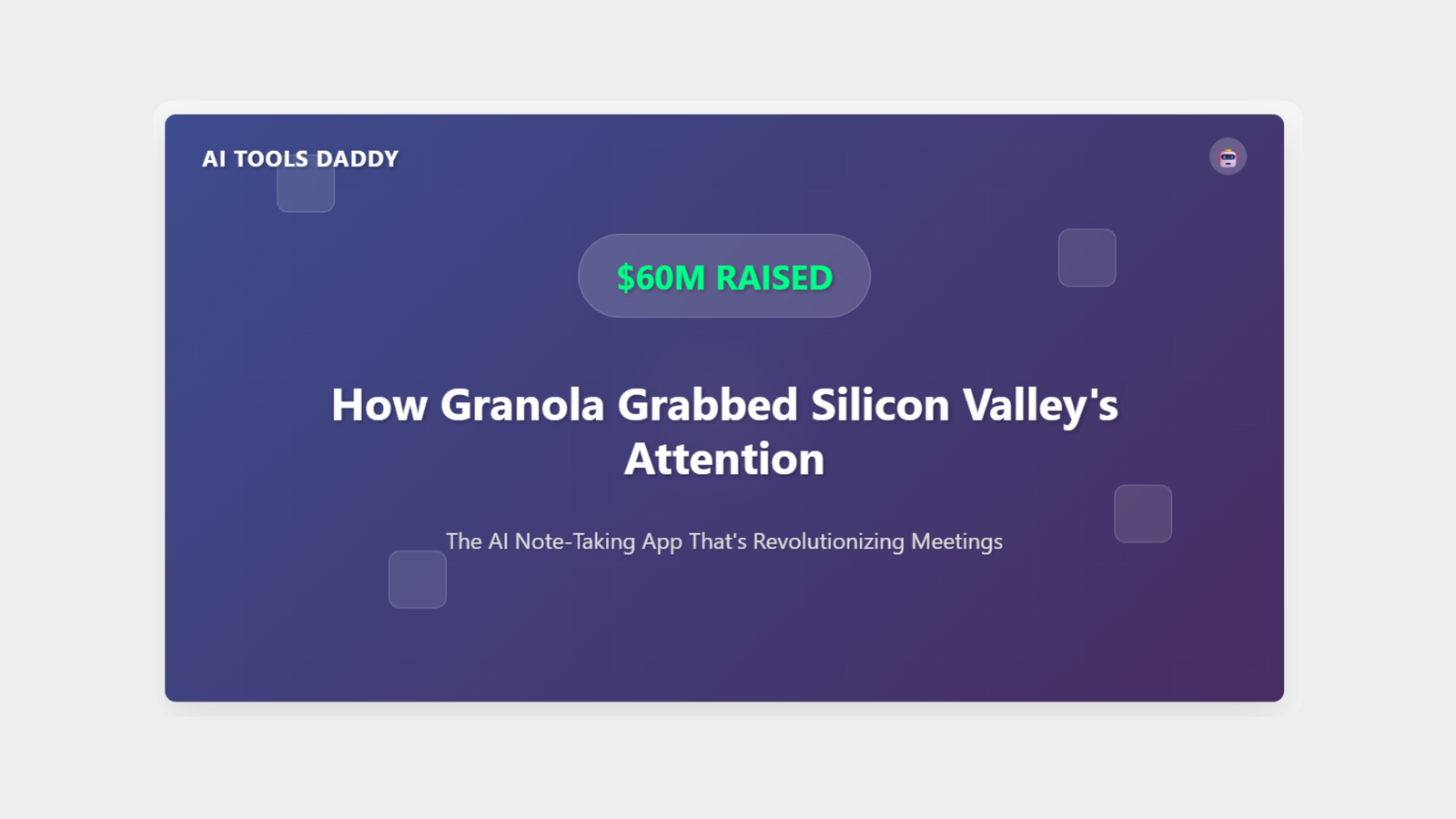


YouTube has officially announced the new AI-driven creation tools for generating the unique and best Shorts, according to a recent blog post by the platform.
The new features include a Photo to video converter, generative effects, and access to an AI playground for experimenting with creative outputs.
Photo to video tool
The Photo to video tool allows users to transform still images from their camera roll into animated Shorts. Users can select a photo and apply creative suggestions that add motion, such as animating landscapes, objects or group pictures.
This feature is being rolled out across the United States, Canada, Australia and New Zealand, with more regions expected to follow later in the year. For your information, it is available for free.
Both the Photo to video and generative effects are powered by Google’s Veo 2 technology. YouTube said Veo 3 would be integrated into Shorts later this summer.
The feature is currently available in the US, Canada, Australia and New Zealand and can be accessed by tapping the create button, followed by the sparkle icon.
YouTube noted that AI-generated content will include SynthID watermarks and clear labels to indicate that it was created using artificial intelligence.
According to the blog post, the new tools are designed to make the creative process more accessible, while preserving transparency about AI use in content creation.

Google has officially released a series of updates to Firebase Studio aimed at expanding its AI development capabilities and deepening integration with popular frameworks and Firebase services.
For your information, the released features were unveiled at I/O Connect India.
At the core of the update are AI-optimised templates for Flutter, Angular, React, Next.js, and general Web projects. These templates enable developers to build applications in Firebase Studio using Gemini, Google’s AI assistant, with the workspace defaulting to an autonomous Agent mode.
“We’re unveiling new updates that help you combine the power of Gemini with these new features to go from idea to app using some of your favourite frameworks and languages,” said Vikas Anand, director of product management at Google.
Firebase Studio now supports direct prompting of Gemini to integrate backend services. Developers using App Prototyping Agent or an AI-optimised template can simply describe the desired functionality, and Gemini will recommend and incorporate relevant Firebase services, including adding libraries, modifying code, and assisting with configuration.
“You can get assistance from Gemini to help you plan and execute tasks independently without waiting for step-by-step approval,” said Jeanine Banks, vice president and general manager, Developer X at Google.

Nvidia reportedly plans to resume sales to China that’s become part of a global race pitting the world’s biggest economies against each other. The company’s announcement on Monday comes after Nvidia CEO Jensen Huang met with President Donald Trump at the White House last week.
AMD AI Chip Plan For China
AMD also planning to restart sales of its AI chips to China. “We were recently informed by the Department of Commerce that license applications to export MI308 products to China will be moving forward for review,” the company said in a statement to CNN. “We plan to resume shipments as licenses are approved. We applaud the progress made by the Trump Administration in advancing trade negotiations and its commitment to US AI leadership.”
Treasury Secretary Scott Bessent told Bloomberg in an interview Tuesday that the Nvidia export controls have been a “negotiating chip” in the larger US-China trade talks, in which the two countries have made a deal to lower tariffs charged on one another.
The same day Commerce Secretary Howard Lutnick said that the resumption of Nvidia’s AI chip sales to China was part of the trade agreement with Beijing on rare earths. “We put that in the trade deal with the magnets,” he told Reuters, referring to rare earth magnets.
“In order for America to be the world leader, just like we want the world to be built on the American dollar, using the American dollar as a global standard, we want the American tech stack to be the global standard,” Huang told CNN’s Fareed Zakaria in an interview that aired Sunday. “We love that the internet is created by American technology and is built on American technology, and so we should continue to aspire to that.”


 AI News7 months ago
Google Expands Firebase Studio with AI Tools for Popular Frameworks

 AI News7 months ago
Turn Photos into Videos Using Google Gemini AI
- AI News7 months ago
Apple New AI Model Can Detect Pregnancy With 92 percent
- AI News7 months ago
OpenAI has now restored the services after outage
- AI News7 months ago
YouTube rolls out new AI-powered tools for Shorts creators

 AI Tutorial7 months ago
How to Turn Off Microsoft AI Features
- AI News7 months ago
Google hires Windsurf execs in $2.4 billion deal
- AI Tools7 months ago
Is This Simple Note-Taking App the Future of AI?